Family Tree Template Guide: Build a Clean, Shareable Lineage Chart in One Sitting
A family tree template does one job well: it removes the blank-page problem so you can spend your energy on research instead of layout. But a template is not a magic form. Fill it carelessly and you end up with a chart that looks tidy and is quietly wrong — a name attached to the wrong parents, a birth year off by a decade, a line that traces back to a person who never existed. This guide walks through choosing the right shape, verifying facts before you write them down, and turning an ordinary free family tree template into a family history template you can actually hand to relatives.
Start With the Shape, Not the Names
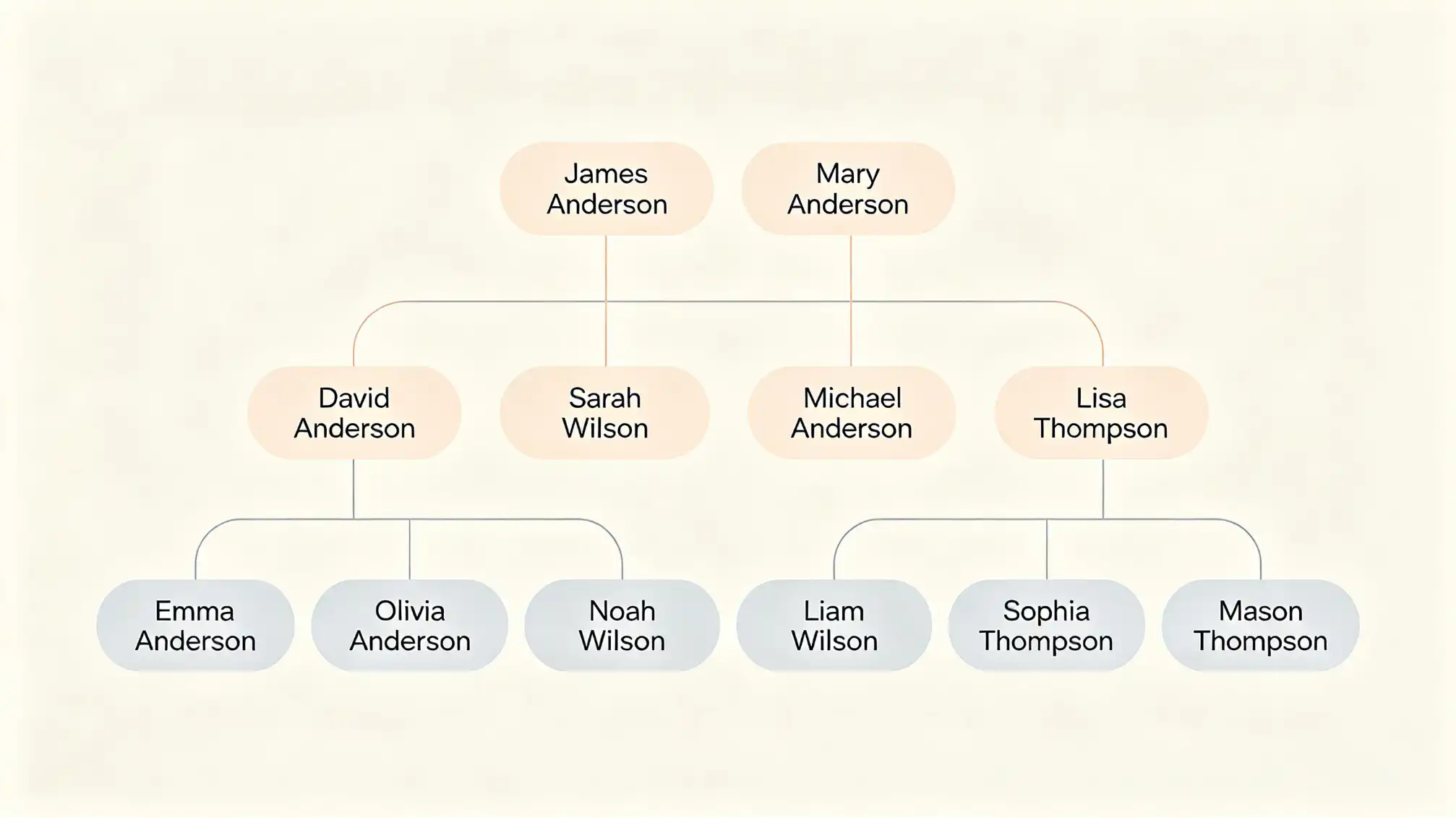
Most people open a template and start typing grandparents. A better first move is to decide what question you are answering, because each layout answers a different one.- Pedigree chart — a ladder of direct ancestors, usually four to six generations. Best when you are tracing one surname backward and need to see gaps clearly.
- Descendant chart — starts with one couple and fans forward through children and grandchildren. Best for cousin lines, reunions and inheritance questions.
- Fan chart — a semicircle with you at the centre and generations radiating outward. The most compact option and the most attractive on a wall.
- Hourglass chart — ancestors above, descendants below. Useful when you want one page to show both directions.
Print size matters as much as shape. A five-generation pedigree fits legibly on A3 or tabloid; a fan chart of the same depth can squeeze onto A4 because it uses space radially. If your template is digital, check whether it exports to PDF at a fixed page size before you commit to it.
Verify Before You Fill
Every box in a template is a claim. Before a fact goes into a box, it should be supported by something you can point to. Records worth prioritising:
- Civil registration of birth, marriage and death, or the official indexes for them.
- Census and household schedules, which place a whole family together on one date.
- Baptism, burial and cemetery records, especially where civil records are missing.
- Published obituaries, which often name siblings and grandchildren no other record mentions.
- Family Bibles, letters, photographs with names written on the back, and recorded interviews.
A useful habit is to work on a draft copy first. Keep one file for confirmed facts and another for leads. When a lead is confirmed, it moves across. This single practice prevents the most common disaster in family history work: an unverified guess that gets copied by three cousins and becomes permanent.
A Field-by-Field Way to Fill the Template
Names
Enter the name as recorded at birth, then add the everyday name in brackets if it differs. Maiden names should always be given in full — a woman listed only by her married surname is the hardest person to trace later. Spelling variants belong in your notes, not in the chart, unless the variant is the name on the record.
Dates and Places
Choose one date format and never deviate. Unambiguous formats such as 12 Mar 1898 avoid the 03/04 problem entirely. For places, work from smallest to largest: village, parish or district, county, country. Include the historic county as well as the modern administrative one if boundaries changed — future readers will thank you.
Uncertainty
A template should show what you do not know, not hide it. Use a question mark after an approximate year, square brackets around a surname you have inferred, and a dashed connector where a relationship is likely but unproven. An empty box is honest and invites further research; a filled box that is wrong is a trap.
Sources
Even a minimal citation — record type, year, place — turns your chart from a drawing into evidence. Many digital templates include a hidden notes field or a source column, and it is worth using one. If you are working on paper, keep a numbered source list on the back of the sheet and write the number in a corner of the relevant box.
From Free Family Tree Template to Family History Template
Once the skeleton is filled, the same file can carry far more than names. This is where a plain tree becomes a genuine family history template: add occupation, migration, military service, cause of death or a one-line life note for each person. Two or three extra details per individual transform a diagram into something relatives will read slowly instead of glancing at.
If you would rather build the narrative side alongside the chart, explore the family pages here to see how individual profiles and stories sit next to a lineage view. The chart gives structure; the profiles give texture.
Mistakes That Make a Template Hard to Read
- Mixing date formats across generations, which makes comparison impossible at a glance.
- Substituting nicknames for legal names, breaking every later search.
- Creating duplicate entries for the same person — a frequent problem after importing from more than one source.
- Filling every generation and leaving no space to add new discoveries.
- Leaving no source trail, so no one can check or extend the work.
Sharing, Printing and Keeping It Alive
Print on the largest sheet your template supports and keep the digital file as the master. When you share, send the PDF for reading and the editable file for correction — cousins often spot errors instantly, and a chart that cannot be annotated stops improving. Date every version can tell which is current, and revisit the template once a year to add what the last twelve months uncovered.