Family Photos: A Practical Way to Keep Them Safe for the Next Generation
Most families do not lose their history all at once. It disappears in small, ordinary ways: a sleeve that sticks, a box in a hot attic, a face no one can name anymore. The encouraging part is that rescuing a collection of family photos is not a specialist job. It is a series of sensible decisions you can start this weekend and finish over a few quiet evenings — no darkroom, no expensive equipment, no degree in conservation required.
Why old prints quietly fail
A photograph is a layered object, and every layer has an enemy. The image sits on a paper base, held together by binders and coatings that keep reacting to the world around them long after the shutter closed.
Four things do most of the damage:
- Light. Ultraviolet and even visible light slowly bleach dyes and yellow the paper. A framed portrait on a sunny wall can fade visibly within a decade.
- Heat and humidity swings. Attics, garages, and basements are the worst offenders. Cycles of damp and dry make prints curl, stick together, and invite mold.
- Adhesives and plastics. Rubber cement, tape, magnetic albums, and PVC sleeves off-gas chemicals that stain the image and weld the print to its page.
- Handling. Oils from fingers, bent corners, and pressure from heavy stacks all leave permanent marks.
Knowing the enemies tells you the plan: control light, stabilize temperature and humidity, replace bad enclosures, and handle less.
Begin with triage, not a perfect system
The most common reason collections stay untouched for years is the belief that you need a complete cataloging system first. You do not. Start by moving material into three rough piles and keep your hands moving.
Pile one: protect now
Anything fragile, actively deteriorating, or one-of-a-kind. Torn prints, album pages with peeling corners, anything stuck to glass. These get first attention because they have the least time.
Pile two: digitize and decide
Everything in decent condition that you want a copy of before making judgments about originals. This pile is usually the biggest, and it can wait.
Pile three: share or release
Duplicates, blurry vacation shots, and images with no family connection. Offer them to relatives, donate meaningful local images to a historical society, or recycle the rest. A smaller collection that is actually cared for beats a large one nobody opens.
Store them the way archives do
You do not need a climate-controlled vault. You need stability and the right materials.
Climate and location
Aim for a living-space environment: roughly 30–50% relative humidity and a steady temperature under about 24°C (75°F). A closet in a bedroom or hallway is far better than a garage. Keep boxes off the floor and away from exterior walls, water heaters, and windows.
Enclosures and albums
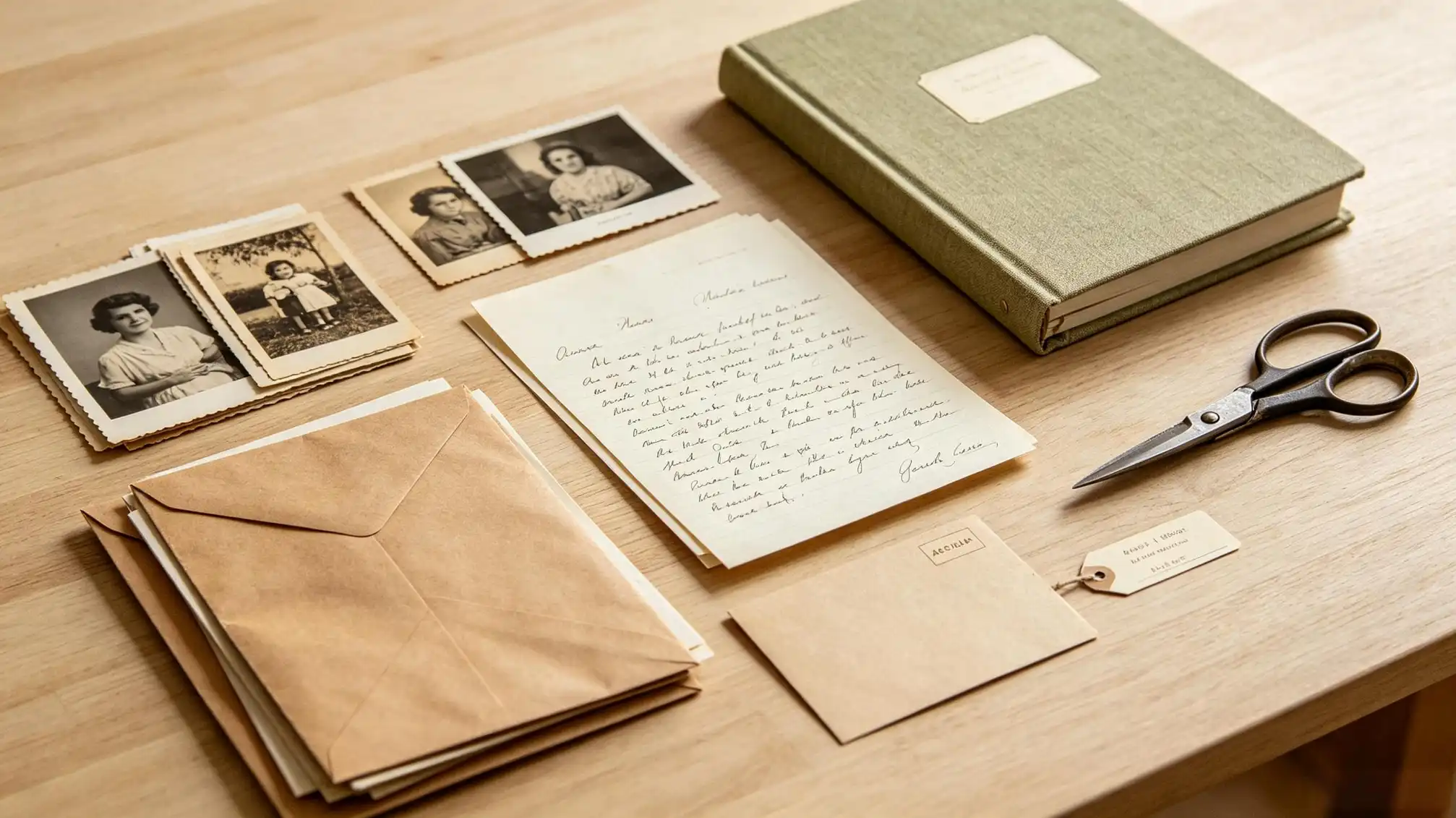
Move prints into archival, lignin-free, acid-free boxes and sleeves — polyester or polyethylene for frequently viewed items, paper enclosures for the rest. Photo corners let you mount images in an album without glue touching the surface. If a print is stuck in a magnetic or self-adhesive album, do not pull it. Slide dental floss or a thin plastic spatula gently behind the corner; if it will not release, scan the whole page as it is and store it flat.
Handling
Clean, dry hands are fine; cotton gloves are helpful for negatives and very old surfaces. Support a print from underneath with both hands, hold it by the edges, and never write on the front. For the back, use a soft 2B pencil, which stays legible without bleeding through.
Scan with a purpose
Digitizing is where family history is won or lost, because an unlabeled scan is just a file. Two habits matter more than the machine you use.
First, scan both sides. The back of a print often carries names, dates, a studio stamp, or a handwritten note in an ancestor's own hand — that is primary evidence, not decoration.
Second, scan at a resolution that will still be useful in twenty years. Around 600 dpi is a solid baseline for prints; negatives and slides benefit from 1200–2400 dpi. Save a full-quality master as TIFF and a smaller JPEG for sharing. Name files so a stranger could understand them: 1954-06_Surname_FirstName_Wedding_001.tif. Then follow the 3-2-1 habit — three copies, on two kinds of media, with one stored somewhere else.
Label what you know, while you still can
Names are the most fragile part of any photo collection. Write down what you are confident about, and mark guesses as guesses. A short, honest caption — "likely Grandma Rosa's sister, possibly Elena, c. 1938" — is far more valuable to future researchers than silence or false certainty.
Work in batches, one decade or one side of the family at a time. Add the same information to the digital file's caption or metadata field so the paper and the pixel carry the same story.
Interview the people who remember the ancestors
Before you finish scanning, sit down with the oldest relatives and spread the prints across a table. Memory works by association, and photos unlock details no document contains: nicknames, the town they left, why someone is missing from a group shot.
Record the conversation if they agree, and note who said what. Even small conflicts — two cousins remembering a year differently — are useful, because they tell future readers where the uncertainty lies.
Share the archive so it survives
A collection kept by one person is one accident away from disappearing. Sharing is not showing off; it is redundancy. Give each branch of the family a set of key scans, and publish a curated selection somewhere relatives can find it. A good place to start is the family stories area at https://www.familylove.love/stories, where photos can sit alongside the memories that give them meaning. Ask relatives to add names and corrections — a shared archive gets better every time someone recognizes a face.
A 45-minute quarterly routine
Preservation is not a project you complete; it is a habit you keep small. Once every three months: check the storage spot for damp or pests, re-scan a handful of prints, add a few names, and back up the digital folder. Forty-five minutes, four times a year, is enough to keep family photos, family history, and family memories from drifting out of reach.