Family Photos: How to Rescue, Store, and Share Your Ancestors' Memories
Every family has a box somewhere — a shoebox, a drawer, a plastic tote in the attic — filled with family photos nobody has looked at in years. Some are curling at the edges. Some have faded to a soft amber. A few have no names written on the back at all, which means the story inside that picture is already half gone.
Preserving them doesn't require archival training or expensive equipment. It takes a few small decisions, made once, that keep your family history intact for the people who come after you. Here's a realistic way to do it.
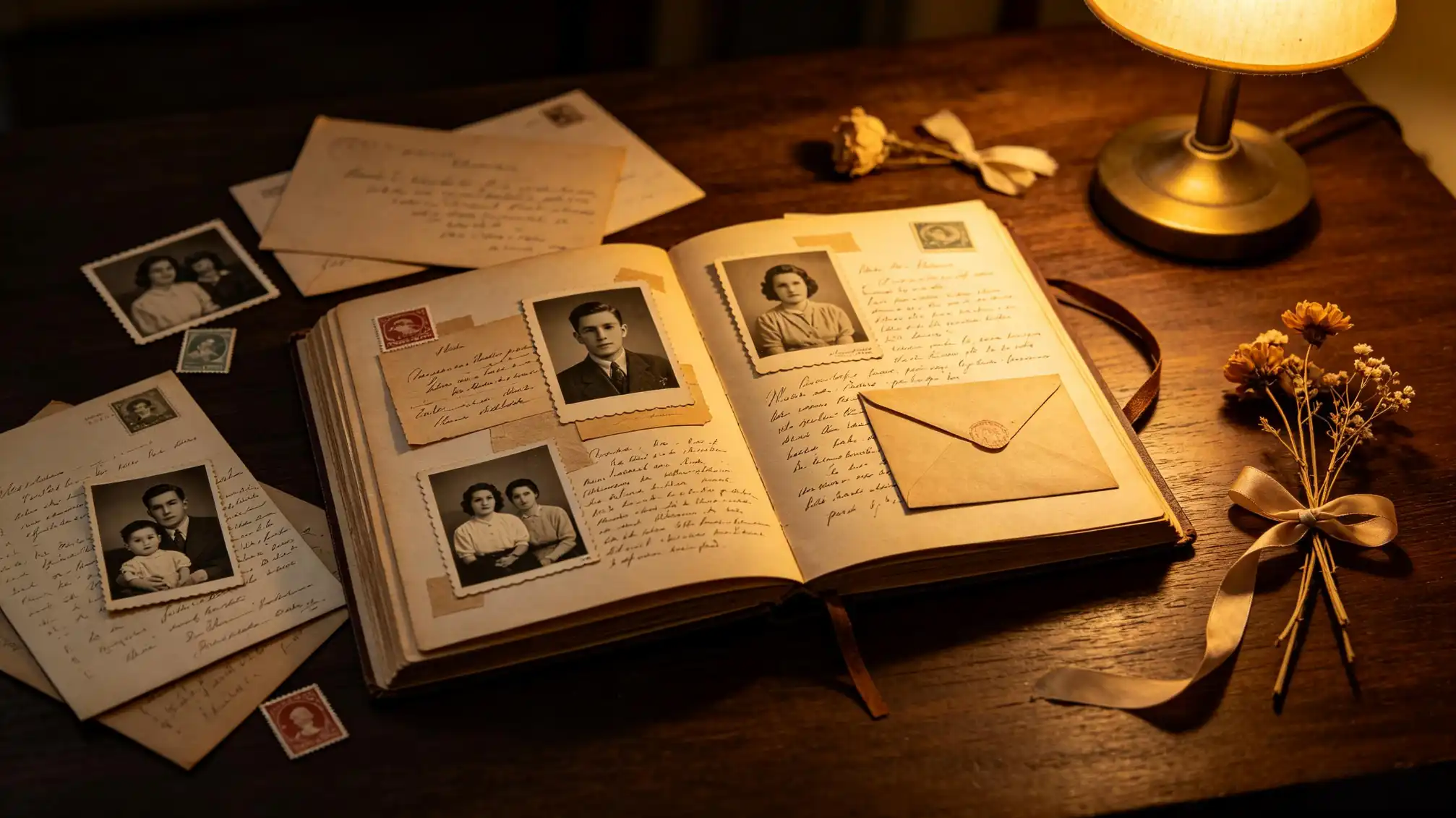
Why Photographs Fade Faster Than You Think
Most printed photos from the mid-20th century were made with dyes that are chemically unstable. Light, heat, humidity, and even the acids in cheap cardboard mounts slowly break those dyes down. A print that lived in a cool, dark closet for sixty years may look almost new. The same print kept in a sunny living room for ten years can lose most of its color.
Digital files aren't automatically safer, either. Hard drives die, cloud accounts get abandoned, and photo apps shut down. The photos that survive are the ones someone deliberately copied, labeled, and stored in more than one place. That someone can be you.
Start With Triage, Not Perfection
The biggest reason family photo projects stall is that people try to do everything at once. Instead, work in passes. Each pass gets faster, and nothing has to be finished in one weekend.
The three-pile method
- Rescue pile: damaged, unique, or historically important images — the ones with no duplicate anywhere.
- Keep pile: photos with clear family value and people you can identify.
- Release pile: blurry duplicates, landscapes with no connection, and mystery prints nobody recognizes.
Be gentle with the release pile. Before you let anything go, photograph it with your phone. That takes three seconds and keeps the option open.
Storing Prints Without Causing More Harm
The instinct to laminate or tape old photos is understandable and almost always a mistake. Adhesives and heat accelerate decay and can't be undone. What actually helps is simple:
- Use archival sleeves and boxes labeled acid-free or photo-safe.
- Store prints vertically, like books on a shelf, rather than stacked and pressed.
- Keep everything in a cool, dry, dark place — a bedroom closet beats an attic or basement every time.
- Write names on the back in soft pencil, or on an archival label, never with ballpoint pen or marker that can bleed through.
If a photo is already stuck to glass or another print, don't force it apart. Scan it as-is and let a conservator handle the separation if it matters enough.
Digitizing Without Losing the Original
Scanning is the single highest-value step you cantake, because a good digital copy can be shared, printed, and re-copied forever. Two rules make it worth doing:
First, keep the original. A scan is a backup, not a replacement. Second, scan at a real resolution. For most prints, 600 dpi is plenty; for small or heavily damaged images, go higher. Flatbed scanners beat phone apps for quality, but a phone used carefully on a matte surface with even, indirect light is far better than nothing.
Name files so your grandchildren can find them
Use a consistent pattern and never rely on folders alone. Something like 1948-06_Grandma-Rosa_wedding-day.jpg tells a future reader who, what, and when in a single glance. Add surnames, maiden names, and town names in the file or in the image's metadata — those are the search terms ancestors researchers actually use decades later.
Capture the Stories While People Can Still Tell Them
A photograph without context is just a face. The value of your family memories lives in the details: whose house that was, why everyone is laughing, what happened the week after the picture was taken. Those details exist only in living memory, and they leave quietly.
So make it a habit to sit with the oldest relative you have, photos spread across the table, and record the conversation. Ask about nicknames, jobs, migrations, and the ordinary days nobody thinks to mention. Write a short caption for the twenty most important images — two or three sentences each is enough to anchor a whole branch of the tree.
When you're ready to turn those captions into something others can read and add to, publishing them as narrative pieces is a natural next step. You can share and build on your family's written recollections at familylove.love/stories, which works well alongside a photo archive.
Make the Archive Easy to Share
An archive only one person can access is fragile. Keep at least three copies in three places: one local drive, one external drive stored elsewhere, and one cloud backup. Then give the family a simple way in — a shared album, a printed book, or a folder link at every reunion.
Ask relatives to add their own scans to the same collection and follow the same naming pattern. Every contribution makes the whole picture sharper, and it spreads the responsibility of keeping it safe.
You don't have to finish this year. You just have to start, and to leave clear instructions behind for whoever inherits the box next.