Preserving Family Photos: A Practical Way to Keep Old Prints Safe for Family History
Most families own a box, an envelope, or a half-finished album that holds their entire visual family history. Inside are weddings, babies on porch steps, grandparents in uniforms, and a dozen faces nobody can name anymore. Those family photos are the closest thing many of us have to meeting our ancestors, and they are also quietly deteriorating while we decide what to do with them.
The good news: preserving them does not require a museum budget or professional training. It requires a handful of deliberate decisions, made once, and a small amount of upkeep. Below is a workable routine you can start this weekend — even if you only get through one shoebox.
Why old prints disappear so quietly
Photographic prints are layered chemistry, not just paper. From the 1960s onward, many color prints were made with dyes that fade in light and shift in heat and humidity. Add the usual culprits — adhesive albums, rubber bands, tape, ballpoint notes pressed hard into the image — and you get cracks, yellowing, and prints fused permanently to their neighbors.
The damage is usually cumulative rather than dramatic. A box in a hot attic for three summers does more harm than fifty years in a living room. That is why the single most valuable thing you can do is also the cheapest: move the originals out of the worst environment and into a.
First, take inventory before you change anything
Resist the urge to start scanning immediately. Begin by sorting into three rough piles:
- Originals worth keeping — anything unique, fragile, or historically useful.
- Duplicates and reprints — useful for sharing, but rarely worth archival storage space.
- Unknown or damaged — the pile that needs a family conversation before any decisions.
Wash and dry your hands, and for anything brittle, torn, or from before about 1900, wear cotton or nitrile gloves and hold the print by its edges. Never stack loose photos face to face if you can avoid it; a sheet of acid-free paper between them costs almost nothing.
A naming habit that saves future you
When you do start working through the piles, name files with the same pattern every time: year-month_event_people_place. For example, 1958-06_wedding_rose-and-tom_cleveland.jpg. Write out ancestors' full names rather than "Grandma" or "Uncle Ray," because nicknames lose meaning within two generations. Consistency matters far more than cleverness — a boring, predictable system is the one your relatives can actually use.
Store the originals in materials that won't hurt them
Archival storage is not expensive, but it is specific. The wrong plastic can do more damage than plain cardboard.
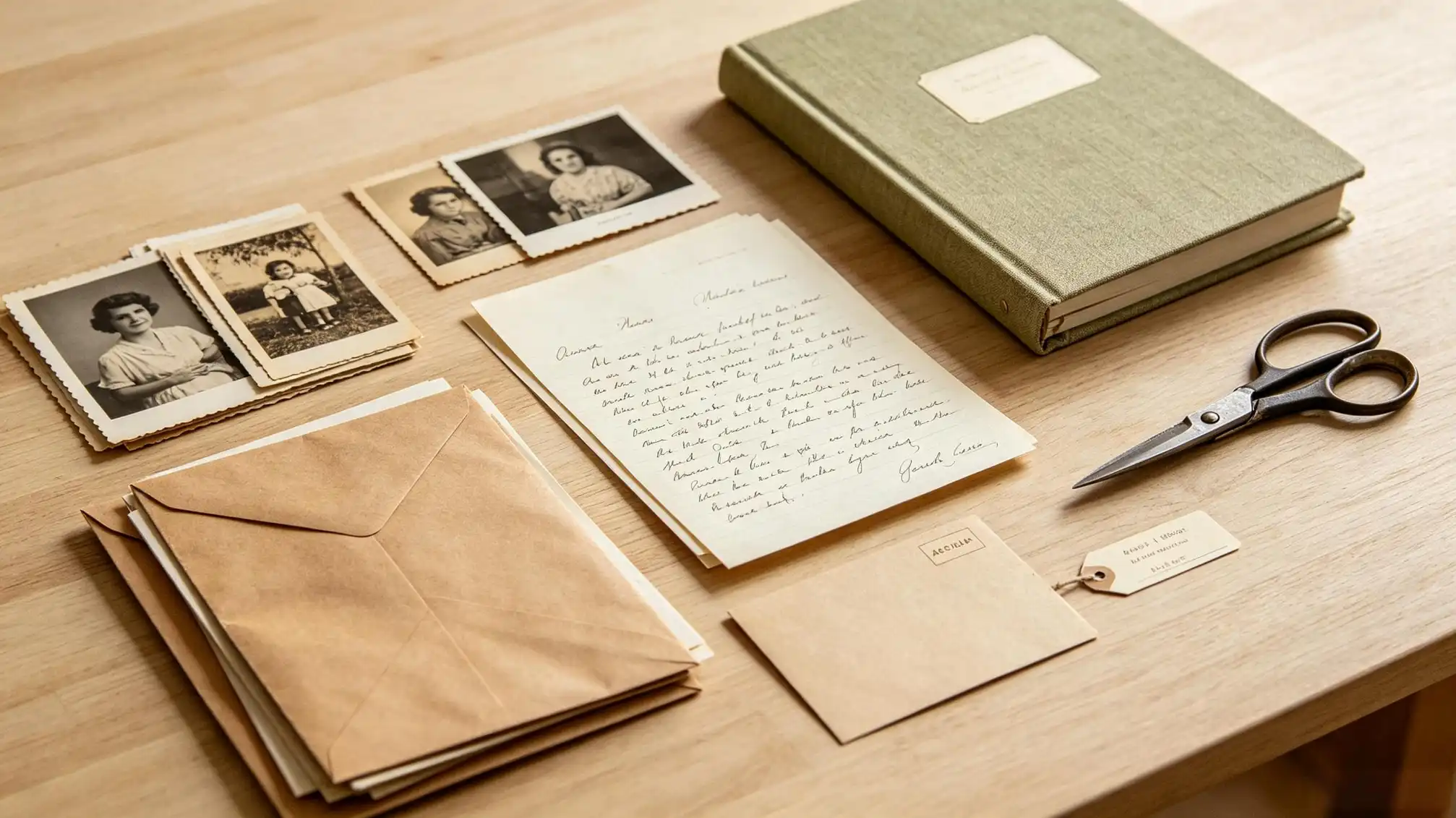
Materials and conditions
- Boxes and folders: acid-free and lignin-free. Photo-specific boxes are sized to keep prints flat instead of sliding around.
- Sleeves: polyester (Mylar), polyethylene, or polypropylene. Avoid PVC — the "vinyl" smell of old albums is a warning sign, not nostalgia.
- Never: laminating, glue, tape, rubber bands, staples, or self-adhesive "magnetic" albums. If a print is already stuck, do not force it; consult a conservator or scan it in place.
- Climate: cool, dry, dark, and stable. Roughly below 21°C (70°F) and 30–50% relative humidity. Basements flood, attics bake, and garages swing wildly between both.
- Storage position: albums upright like books; large loose prints flat in shallow boxes.
- Labeling: write on the back edge with a soft graphite pencil or an archival photo pen — never across the face of the image with ballpoint.
Digitize at a quality you won't have to redo
Digitizing is not preservation by itself. The original is still the original. But a good scan is what lets you share, back up, and study the image without handling it again.
- Scan prints at 600 ppi for standard sizes, and 1200 ppi for small or badly damaged ones.
- Negatives and slides hold far more detail than prints — scan those at 3200 ppi if you have them.
- Keep a TIFF master and a separate JPEG for sharing. Repair scratches on a copy, never on the master.
- Save three copies: two drives in different places, plus cloud or offsite storage. A single external drive is not a backup.
- Fill in the file's description or caption field with names, dates, and places. Metadata travels with the file; a folder name often doesn't.
Phone scanning is fine for quick sharing with cousins, but it is not a preservation master. If you only have a phone, shoot flat, with even light and no flash glare, and keep the originals properly stored regardless.
The part most families skip: the stories
A sharp scan of an unnamed face is only half an archive. The names, relationships, and small anecdotes are what turn a picture into family history. Sit with the oldest relatives, open the album, and record the conversation — even a phone voice memo works. Ask who is missing from the frame, what year it was, and why the photo was taken at all.
Then write those details down somewhere the whole family can find them, not just in your own notes. A shared page or story collection is a natural home for this; you can record and share these accounts on familylove.love/stories, so the caption and the memory stay together instead of drifting apart.
Copy widely, so one fire can't erase everything
The uncomfortable truth about family memories is that a single copy in a single house is one accident away from gone. Give each branch of the family a full digital set on a small drive, and print a photo book for the relatives who will never open a folder on a computer.
Before you distribute, ask one person in each household to verify the names they recognize. Distant cousins often spot errors that immediate family misses, and every correction makes the archive more useful for the next generation.
Mistakes worth avoiding
- Laminating an original "to protect it" — this is permanent and irreversible.
- Leaving photos in sticky magnetic albums because they look tidy.
- Storing the only copies in an attic, basement, or garage.
- Throwing away negatives after scanning the prints.
- Recording names only in your head or in a chat thread that will scroll away.
- Assuming someone else in the family already did this work.
Start with one box, not the whole collection
Preservation fails when it feels like a project. It succeeds when it becomes a habit: one shoebox this month, one labeled folder next month, one recorded interview with an older relative before the next holiday. Ten years from now, the difference between a family that has its photos and a family that lost them will not be equipment or expertise — it will be whether someone took the first small step.