Family Photos Don't Save Themselves: A Practical Plan for the Archive You Inherited
Somewhere in your home there is a box. Maybe it is a shoebox of curling snapshots, maybe a magnetic album from 1978 whose pages have gone tacky, maybe a folder on a laptop called “phone dump 2019.” Inside are the faces of people you love and the faces of ancestors you know only by name. Those family photos are the raw material of your family history — and right now, most of them are quietly disappearing.
This is not a lecture about cotton gloves. It is a workable plan: how to move through an inherited collection without getting stuck, how to store what you keep, and how to make sure the family memories survive past your own hard drive.
Why old prints fail — and why digital files aren't automatically safe
Photographs from the 1900s through the 1970s were printed on paper with a plastic coating and often mounted with rubber cement, tape, or those notorious self-adhesive album pages. The adhesives yellow, crack, and stain the image from behind. Add heat, humidity, and sunlight and the colors shift within a decade.
Digital photos have the opposite problem: they do not decay, they disappear. A file with no backup, no caption, and no one who knows what it shows becomes unusable the moment the drive fails. Preserving family photos means solving both problems at once — the physical object and the information attached to it.
Start with the people, not the pile
Most people stall because they try to organize everything in one go. Instead, begin with the photos you can identify: your grandparents, your parents' childhood, your own early years. Ask a relative to sit with you for an hour and name faces. Write names in soft graphite pencil — never pen, never marker — along the edge of the back of a print. For anything mounted or fragile, write on a slip of paper and store it behind the photo instead of on it.
This single step does more for family history than any scanner. A sharp photograph of an unidentified ancestor is a curiosity. A labeled one is a link in a chain.
Sort in three lanes, not one
- Keep and display — the images worth framing or passing to a specific person.
- Scan, then decide — anything with a face, a place, or a story attached.
- Release — blurred, duplicated, or meaningless frames. Keep one sunset, not nine.
Work in batches of about fifty and then stop. A box a week beats a heroic weekend that ends in exhaustion and a half-sorted pile on the living room floor.
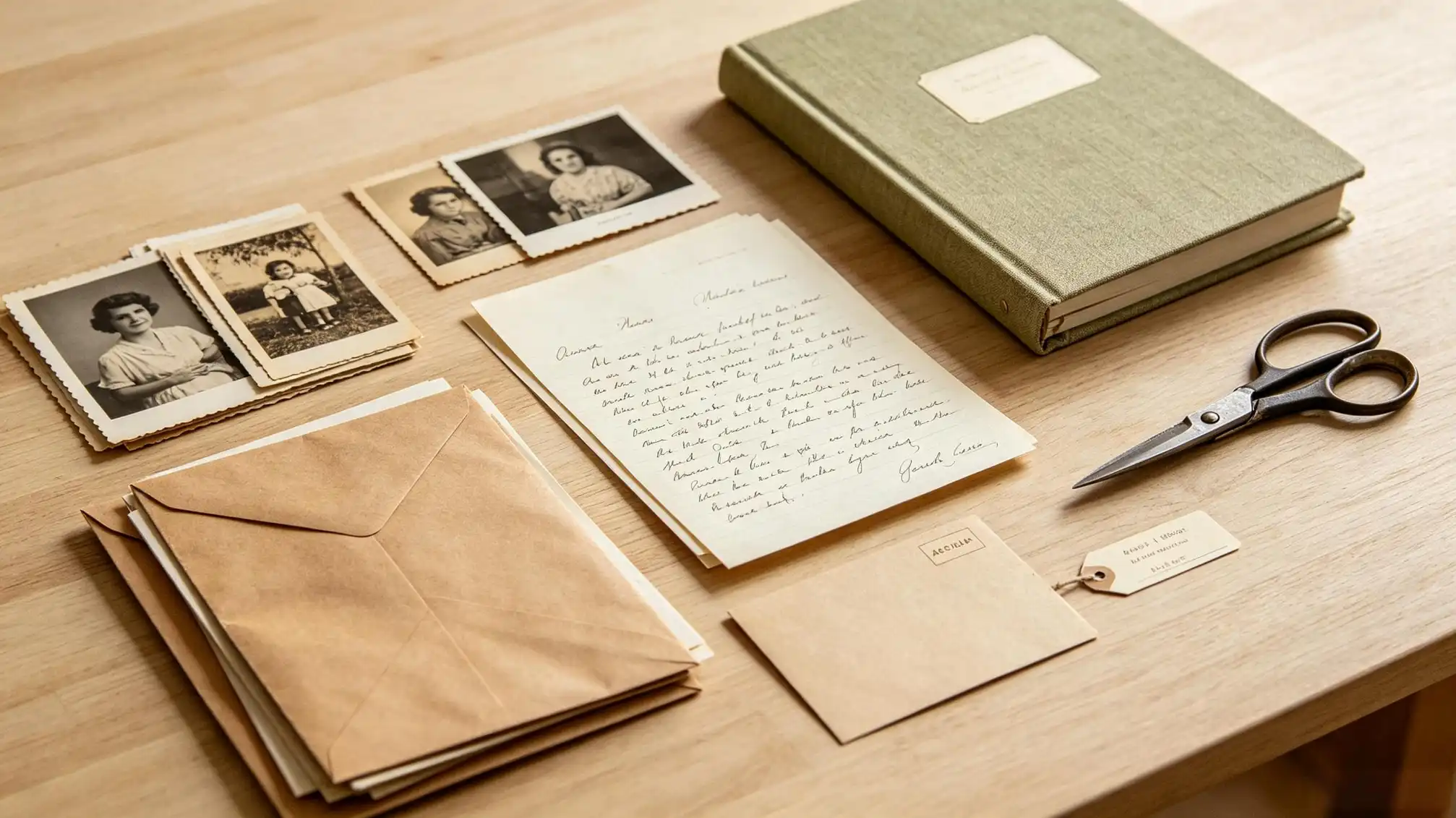
Scan for the future, not just for now
For printed family photos, scan at 600 dpi — and 1200 dpi for small prints, tintypes, and anything under 4×6 inches. Save a master TIFF and a smaller JPEG for sharing. Slides and negatives deserve 2400–3200 dpi. Phone scanning apps are fine for quick sharing, but they compress detail and add perspective distortion: good enough to identify a face, not good enough to be the only copy.
Name files so they survive a decade of folder shuffling: 1952-06_grandma-rose_wedding-day_001.tif. Date first, then people, then context. A folder of IMG_4471.jpg files is a folder of family memories nobody will ever find.
Write down what you know, while someone still knows it
Metadata is the difference between an image and a memory. For each scanned batch, record who is in the frame, the approximate year, the place, and one sentence of context. The sentence matters most: “this was the week they sold the farm” turns a portrait into family history. Add names to the file's caption field, or keep a plain spreadsheet if that is easier to maintain.
Then record the stories. A voice memo of your mother describing the house in the background of a photo is worth more than the photo alone. If you want a place to hold those written pieces side by side with the images, our family stories section is a natural home for them — write one paragraph per photo and by winter you will have half a memoir.
Store the originals properly
- Cool, dry, and dark: a closet shelf beats a basement, attic, or garage every time.
- Acid-free boxes and envelopes only; skip PVC sleeves and “magnetic” albums.
- Keep prints flat, interleaved with archival tissue, and never stack heavy objects on them.
- Handle by the edges. Clean, dry hands are fine; cotton gloves are optional.
- Display copies, not originals. Direct sun fades a print in a single season.
Back up in three places, one of them off-site
Follow the 3-2-1 rule: three copies, two kinds of media, one stored elsewhere. An external drive at home, a cloud account, and a copy with a cousin covers you. Check the drives once a year — hard drives fail quietly and accounts get locked. And print a small photo book of your best hundred images every few years; paper is the only format that needs no software to open.
A realistic timeline, so you actually finish
A five-hundred-photo box takes roughly six to eight hours spread across a month: two hours to sort, three to scan, one to label, one to back up. Do not wait for a free weekend that never arrives. Put a recurring thirty-minute slot in your calendar and treat it like a dental appointment. The families who finish are not the ones with the most spare time — they are the ones who never had to make every decision in one sitting.
Give the archive away
Family photos that only one person can access are still at risk. Share scans with siblings, cousins, and the next generation, and let them download full-resolution files rather than viewing them once in a chat thread. Ask each relative to identify two or three unknowns. Every named face is one less ancestor lost to guesswork.
Permission to let go
You do not have to keep every negative and every duplicate. Once an image is scanned, labeled, and backed up, the extras can be released — responsibly, by offering anything of local or historical interest to a county archive before recycling it. Keeping fewer, better-documented family photos is not a loss. It is the archive finally becoming usable by the people it belongs to.