Many family historians start with good intentions: a stack of printed census records, a few handwritten pedigree charts, and a file folder labeled genealogy on the desktop. It does not take long before the same fact lives in four different places. An online family tree puts that scattered research into a single living record. Instead of asking which version is current, everyone who cares about the family history can open the same tree and see the latest notes.
When people compare digital family tree tools, the conversation often begins with database size and the number of record collections. Those factors matter, but they only matter because of what they can do for the people behind the chart. The real goal is to pick a platform that remains useful when relatives add photos, correct dates, and share the stories that records cannot tell.
One shared tree gives everyone the same accurate picture
Paper trees become hard to read after a few corrections. Shared files cause another problem: someone saves a new version on their laptop, edits a birth year, and sends it around, but the older version is still being passed to other cousins. An online family tree prevents this by making the cloud the only version of the family tree.
Digital profiles are also richer than chart boxes. A profile can hold dates, places, source citations, notes, and conversations about a brick-wall ancestor. When you compare online family tree services, ask how the software handles profile details. If adding a source feels like extra paperwork, you will skip it later. If it is easy to attach a record to a name, your research stays organized naturally.
Distant relatives can help without mastering genealogy
A tree stored on one computer is a private project. It can also feel intimidating to relatives who are interested but do not know where to begin. An online family tree changes this dynamic by giving family members their own level of access. A cousin can add a memory to a grandparent's profile. An uncle can scan letters without moving files into a master chart. The contributions appear in the same shared tree.
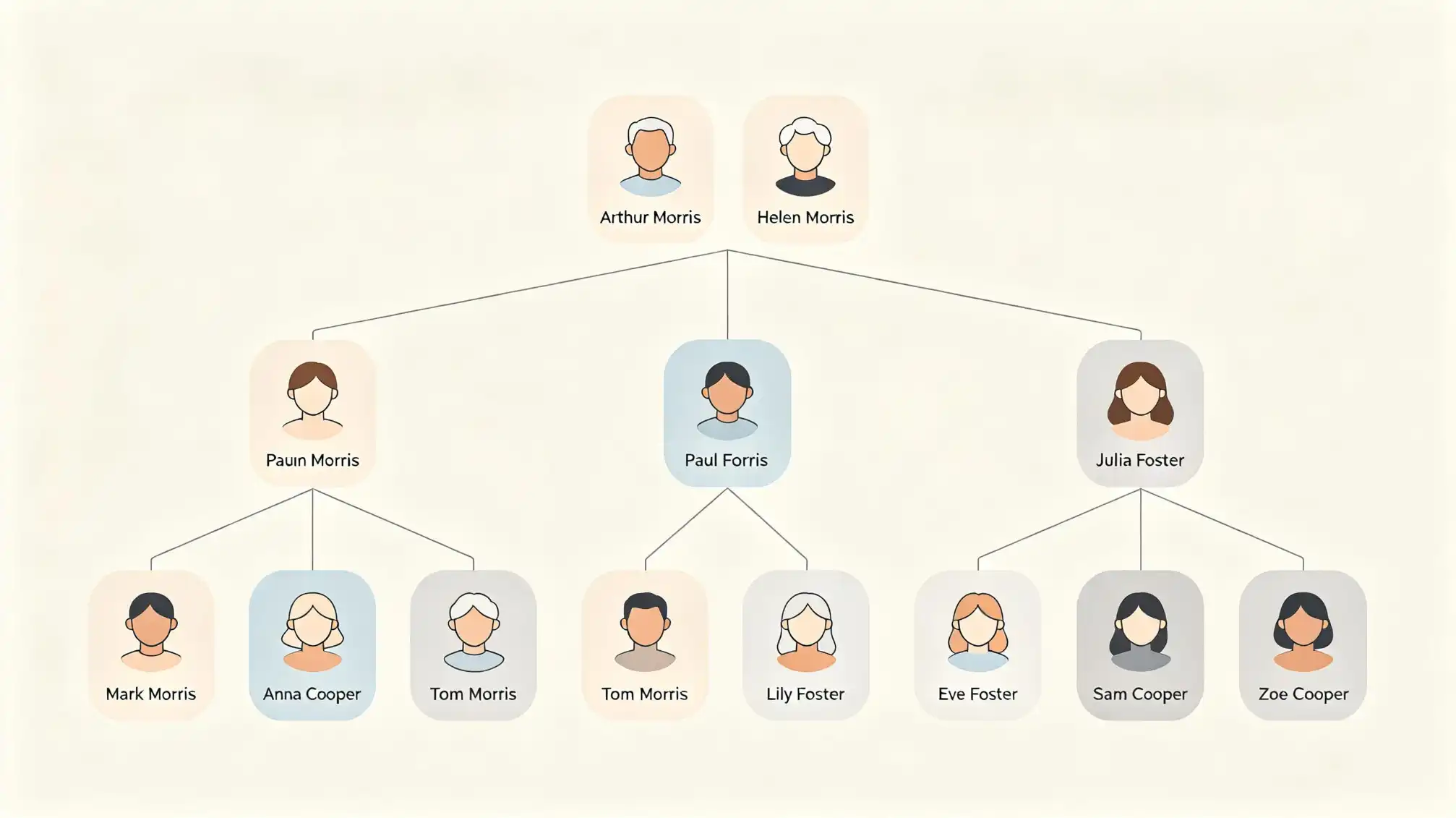
Practical collaboration tools are a priority. Check whether each person can have a viewer, contributor, or editor role. Also check whether guests can upload images without seeing private living-person data. If you want to practice before moving your full family history, create a small branch on the family page at Family Love and invite older relatives to react. The little test may tell you more than a list of features.
Keep photographs and documents beside the people they describe
A folder of scanned images can easily turn into digital clutter. An image named 1960_unknown is not helpful if no one can remember whether the person is an aunt or an in-law. When a photo is attached to a profile in an online family tree, the relationship is already clear. The viewer can see the face beside the name, dates, and children, which often triggers additional memories.
Source documents follow the same logic. Instead of keeping a separate bibliography in a word processing file, attach a census page to the ancestor it describes. You can also add a caption about why the document may be disputed. That context is difficult to create with paper and extremely valuable for future researchers.
Adjustable privacy settings make living people feel safe
Some people assume a public tree is the only way to use family history software. That is not true. A well-managed online family tree can use public, private, or partially visible settings. Living relatives can be marked private automatically, while historical profiles remain available for distant cousins to discover.
When you compare genealogy websites, ask specific questions in the settings:
- Can I share a single branch of the tree without sharing the full project?
- Can I set different roles for different relatives?
- Can I hide sensitive documents but still let close family see the tree?
- Can I export the full family tree if I later decide to change platforms?
Simple privacy controls reduce the anxiety around sharing recent generations. If family members know that adoption details, health notes, and divorce records are not public, they are more willing to supply accurate information.
Record hints are useful when you keep verification in control
Most modern genealogy platforms offer record hints. They search census records, marriage indexes, and immigration files for names that may match a profile. This is one of the reasons an online family tree makes research faster than manual shelves of microfilm. But a hint is still an assistant, not an author.
When a hint appears, compare the location, family members, and dates before attaching it. If it looks right, include the source citation in the profile. If you are unsure, leave a note that the person needs more investigation. Never accept a platform's automatic merge without reviewing the matches, especially if the surname is common or the original record has extra people living in the household.
Interview sessions become more productive when the tree is available
Older relatives often hold memories that no database knows about. An online family tree turns an interview into an active conversation. Open a profile for their mother, father, or siblings and ask them to look at the screen. Names and photos can unlock details that a blank questionnaire never would.
You can enter notes as the person speaks, record a voice memo, and attach it to the right profile. After the visit, another relative can log in from a different city and add a second detail from a family Bible. This is the reason most family historians recommend a cloud-based family tree over software stored on a home computer. The tree does not wait for one person to finish the research.
Choosing an online family tree should be a practical decision, not a permanent commitment. Start with a small branch, try the collaboration settings, and see whether your relatives participate. The platform that helps people talk about the past is the one worth keeping.