How to Use a Family Tree Template to Turn Names into Family History
Starting a family history project can feel overwhelming, but a family tree template gives you a simple container to collect names, dates, and relationships. The key is not just filling in the boxes—it's using the template as a springboard to record real stories, verify facts, and share your findings with relatives. In this guide, you'll learn a practical workflow for turning a basic chart into a meaningful family history document.
Choose the Right Family Tree Template for Your Goal
There is no single “best” template, only the one that fits your current stage. If you are just starting out, a free family tree template with spaces for three or four generations is enough. If you already have a few names, look for a family history template that includes sections for notes, sources, and photo attachments.
When deciding, ask yourself three questions:
- Who will I share this with? A simple visual chart works for kids; a detailed form helps researchers.
- How much information do I already have? Start with a small template and expand later.
- Do I need digital or printable? Digital templates let you link records; printed templates are easy to bring to family gatherings.
Start with Yourself and Work Backward
The biggest mistake beginners make is trying to fill in every ancestor at once. Instead, start with yourself in the center or at the bottom of the template, then add your parents, grandparents, and great-grandparents one generation at a time. This “backward” method keeps the chart logical and prevents misinformation from spreading.
For each person, record the following basics:
- Full name, including maiden names
- Date and place of birth
- Date and place of marriage (if applicable)
- Date and place of death
Use pencil if working on paper, or keep a separate notes file if using a digital template. You will likely correct details as you gather more evidence.
Turn the Template into a Photo-Driven Family Record
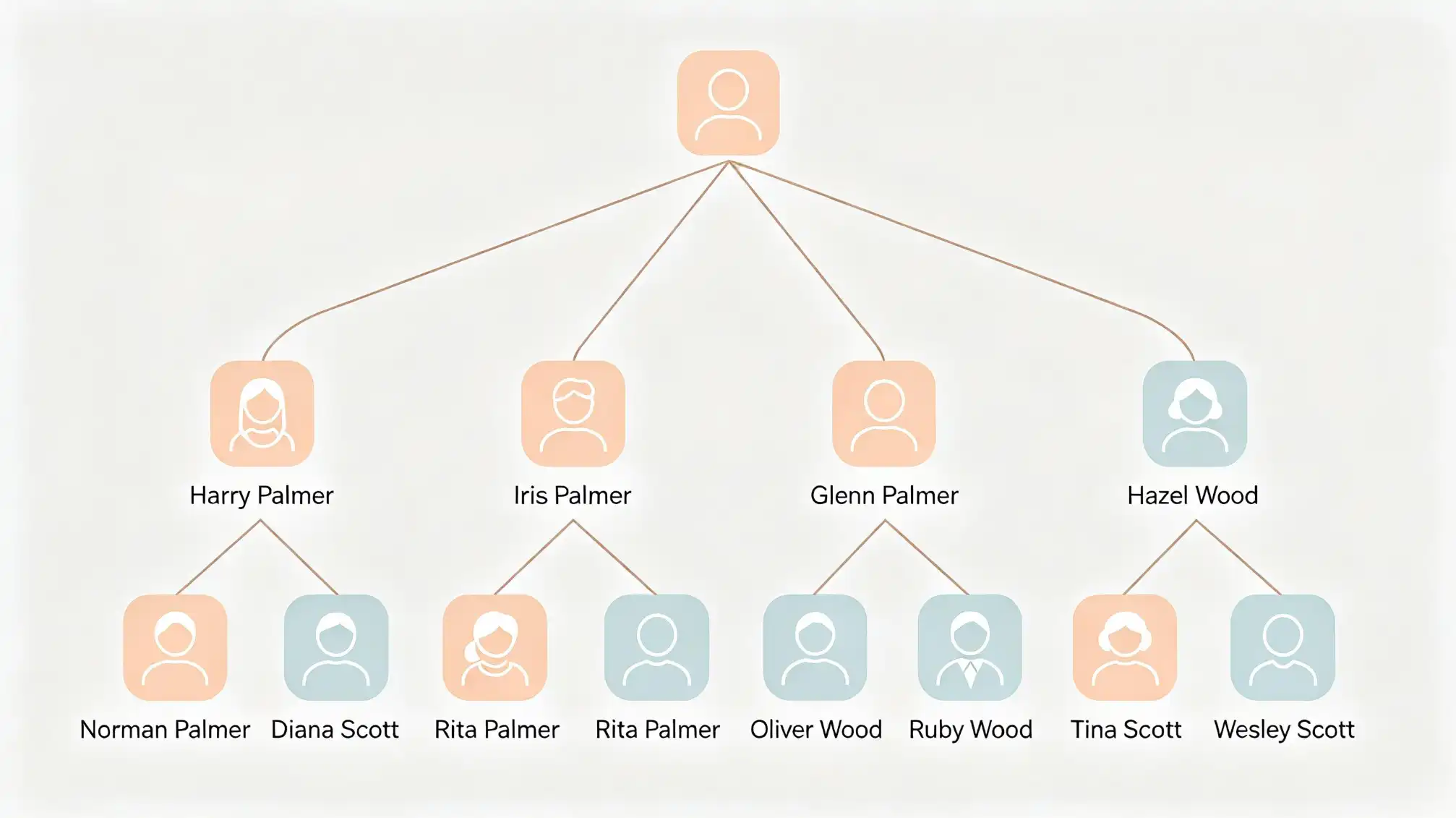
Names alone can feel flat. A family tree template becomes a family history display when you attach photos to each branch. Gather old pictures from albums, phones, or relatives and label them with names and approximate years. Place each photo near the matching person on your template, or use a digital version that allows image uploads.
If you have a large collection, make a separate photo sheet for each generation. This method turns your template into an interactive tool that younger family members can connect with. For help organizing these family connections, visit the family hub where you can keep related stories and updates in one place.
Verify Facts Before You Publish
A family tree template is only as useful as the accuracy of its data. Family stories are wonderful clues, but they often contain contradictions. Treat every name and date as a hypothesis until you confirm it with a reliable source.
Good sources include:
- Birth, marriage, and death certificates
- Census records
- Military records
- Family Bibles or wedding announcements
- Oral histories—but mark them as “memory” until verified
Write the source next to each fact in your template. This practice adds credibility and makes it easier for relatives to trust the final document.
Use Your Template to Plan Interviews
One of the best uses of a family tree template is as an interview guide. Print out your current draft and take it to a family gathering. Ask older relatives to confirm names and dates, then ask open-ended questions about each person:
- What was your grandmother's personality like?
- How did your parents meet?
- What traditions came from that branch of the family?
Write short stories in the notes section of your template. These details turn a raw chart into a real family history that future generations will treasure.
Go Digital and Keep It Synced
Paper templates have a nostalgic feel, but digital tools can save you a lot of headaches. A family history template in spreadsheet form allows you to sort by birth year, search names, and create multiple charts from the same data.
If you choose a digital family tree template, make sure to:
- Save it to the cloud so relatives can view or edit
- Use consistent date formats (e.g., DD Month YYYY)
- Create a naming convention for photo files
- Backup your files at least once a month
The goal is to maintain a single, reliable record that everyone can access when needed.
Expand into a Family History Document
Once your template is complete for several generations, you can use it as the backbone for a longer family history. Write a short paragraph about each ancestor, add scanned documents, and organize everything by branch. Your template becomes the table of contents for a richer story.
Consider creating separate pages for each family line, using the same structure. This keeps the project manageable and gives you a clear place to add new discoveries without messing up the main chart.