Family Photos That Last: How to Care for Old Prints, Negatives, and Digital Files
Old family photos are more than faded paper and cardboard; they are quiet doorways to the people who came before us. A grandmother’s smile, a great-uncle’s uniform, the house that no longer stands — each image carries family history in its creases. Yet most family photos are fragile. They fade in sunlight, stick to plastic sleeves, and disappear when old hard drives fail. With a few practical habits, you can keep these family memories alive for the next generation.
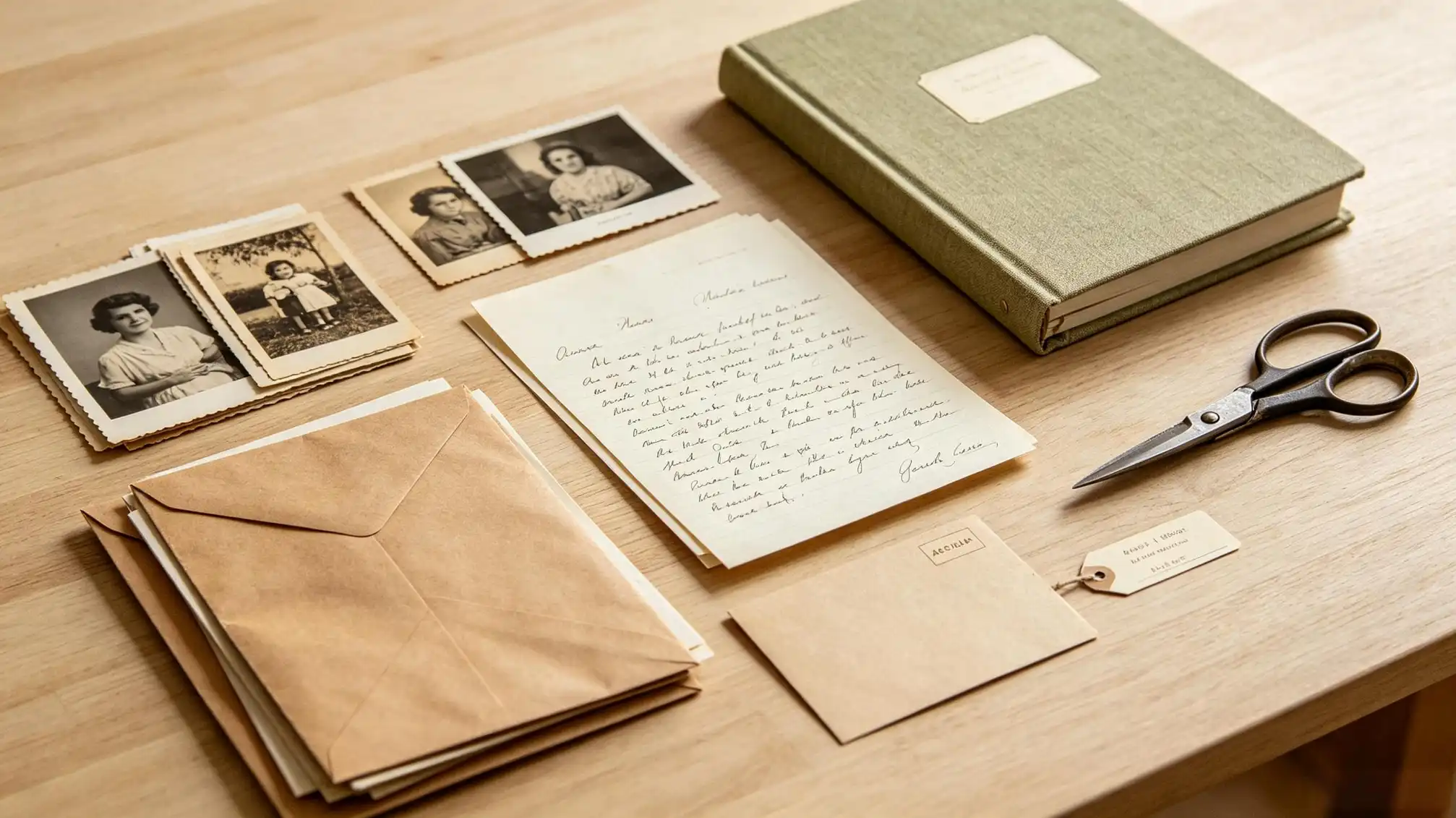
The thought of preserving an entire family collection can feel overwhelming. Start small. Pick one box, one drawer, or one stack of loose photos. As you begin, remember that every image you save is a gift to someone who has not been born yet. That sense of purpose makes the sorting easier.
Begin by Gently Gathering the Whole Family Story
Before you clean or scan anything, gather the photos you have and ask your relatives for help. Older family members can identify faces, places, and events that the younger generation may not recognize. Write down the names on sticky notes (minus the sticky part, or tucked beside each photo) and keep the notes with the photos. This turns an overwhelming pile of paper into a usable map of your family history.
As you go through the collection, make three piles: keep and preserve, scan and share, and damaged or unknown. For the damaged pieces, do not throw them away yet. Even a torn photograph can reveal an important side profile, a familiar doorway, or a soldier’s uniform. If you cannot identify someone, scan the image anyway and leave a note for future family historians.
Handle Old Family Photos Like the Treasures They Are
The oils and salts on our skin can do more damage than age. Always wash and dry your hands before touching old prints. If you have a large collection, wear lint-free cotton gloves for especially fragile items. Hold photos by the edges, not the surface, and support them from underneath when moving them. This simple habit keeps family history intact while you sort.
Work on a clean, flat table. Avoid anything with zippers or rough surfaces. Keep food and drinks away from the workspace. If photos are lightly curled, you can place them under a stack of books for a day or two, but do not press them flat if they are cracked or brittle. For those, leave the curve alone and scan them as they are.
Ease Photos out of Old Albums Without Losing Their Stories
Traditional magnetic albums and sticky pages can stain prints and make them brittle. If your family photos are in an old album, take the time to remove them carefully. Slide a thin piece of dental floss or a plastic spatula between the photo and the sticky page. Do not pull forcefully. As you remove each photo, write down any names, dates, or places written near it. Those handwritten notes are part of your family history and must not be lost.
Place the removed photos in labeled folders until you can scan them. If you want to preserve the album itself, keep it in a separate box and note that the photos have been moved. For everyday viewing, use albums with archival, acid-free pages made from buffered paper or inert plastic such as polypropylene.
Scan Family Photos at High Resolution, Even If You Think You Never Will
Preservation is not just about keeping the original; it is also about creating a safe copy. Scan photos at 600 DPI or higher for small prints. For standard 4x6 photographs, 600 DPI gives you enough detail to crop, zoom, and restore later. Save the master scan as a TIFF file, because TIFF does not lose quality the way JPEG does. Use a separate JPEG version for everyday sharing.
Negatives are often overlooked. Modern flatbed scanners can scan a strip of film, but the price of dedicated film scanners is friendlier than it used to be. If you do not have a scanner at home, check your local library or family history center. Many offer scanning equipment you can use for free. These digital files become the backup copies that protect your family photos from fires, floods, and simple aging.
Create a File Name That Carries Meaning
A file called IMG_0045 tells your future family nothing. Use a simple pattern such as 1945_06_Thompson_Wedding_003. Include the year, the family name, the occasion, and a number. You can also add a folder called SCANS_V1 so you always know where the master files live. A little naming discipline today saves hours of confusion later.
Choose the Right Long-Term Home for Your Family Photos
Light, heat, humidity, and acid are the enemies. Keep originals in a cool, dry, dark place, such as an interior closet or under a bed, rather than an attic or garage. Use acid-free boxes, folders, and photo-safe plastic sleeves. For very old or damaged prints, place a sheet of acid-free tissue between photos to keep them from rubbing against each other.
Do not use rubber bands, paper clips, or tape. They leave marks and create pressure points. If you need to label a photograph, write softly on the back with a No. 2 pencil, not a pen. Pens can bleed through and damage the image. A separate index card that tracks the photo’s file name is even better.
Do Not Forget Digital-Only Family Photos
Your phone photos are also family photos. They need care too. Use the same idea of sorting and backing up: delete blurry duplicates every few months, create folders by year and event, and keep at least two copies. Use an external hard drive plus a reliable cloud service. Do not rely on the memory card in your phone as the only storage.
Add the Family Memories While You Still Have the People Who Remember
A preserved photo is wonderful, but a photo without context can become a mystery in one generation. Write down the who, what, when, and where whenever you can. Use a small notebook or a digital note on your phone and collect the stories from older relatives. Once you have organized your collection, don't let the photos sit silent. For a simple way to share your family history with relatives, visit familylove.love/stories and upload a few of your favorite preserved images. That makes the memories accessible to cousins, children, and nieces who never met your ancestors.
Set a Backup Routine That Keeps Your Family History Safe
Many families scan their old photos once and then forget about the files. Set a reminder every six months to back up your folders to an external drive and a cloud service. Test one file from each folder to make sure it opens. If you use online storage, enable two-factor authentication to keep your family memories private. A simple backup habit is the difference between photos that last and photos that disappear with a crashed hard drive.
Do not edit the original scans. Keep one untouched “master” file and make a copy for retouching. If you want to remove scratches or faded tones, work on the copy. This way, the original digital image always remains a true record of the family photo you had.