Building a family tree can feel like a big task, but a family tree template makes it manageable. Instead of staring at a blank page, you can start with boxes and branches already laid out for you. This guide shows you how to use a family tree template, avoid common mistakes, and build something you and your relatives will actually enjoy. Whether you download a free family tree template or use a digital family history template, the process is the same: start small, be consistent, and keep your sources close.
Start With What You Already Know
The biggest mistake people make is trying to build a full tree in one sitting. A family tree template works best when you begin with yourself and work backward. Write your own name in the main box. Add your parents, siblings, and grandparents. These are facts you already know or can confirm with a quick phone call. If a fact feels uncertain, write a question mark next to it so you remember to verify it later.
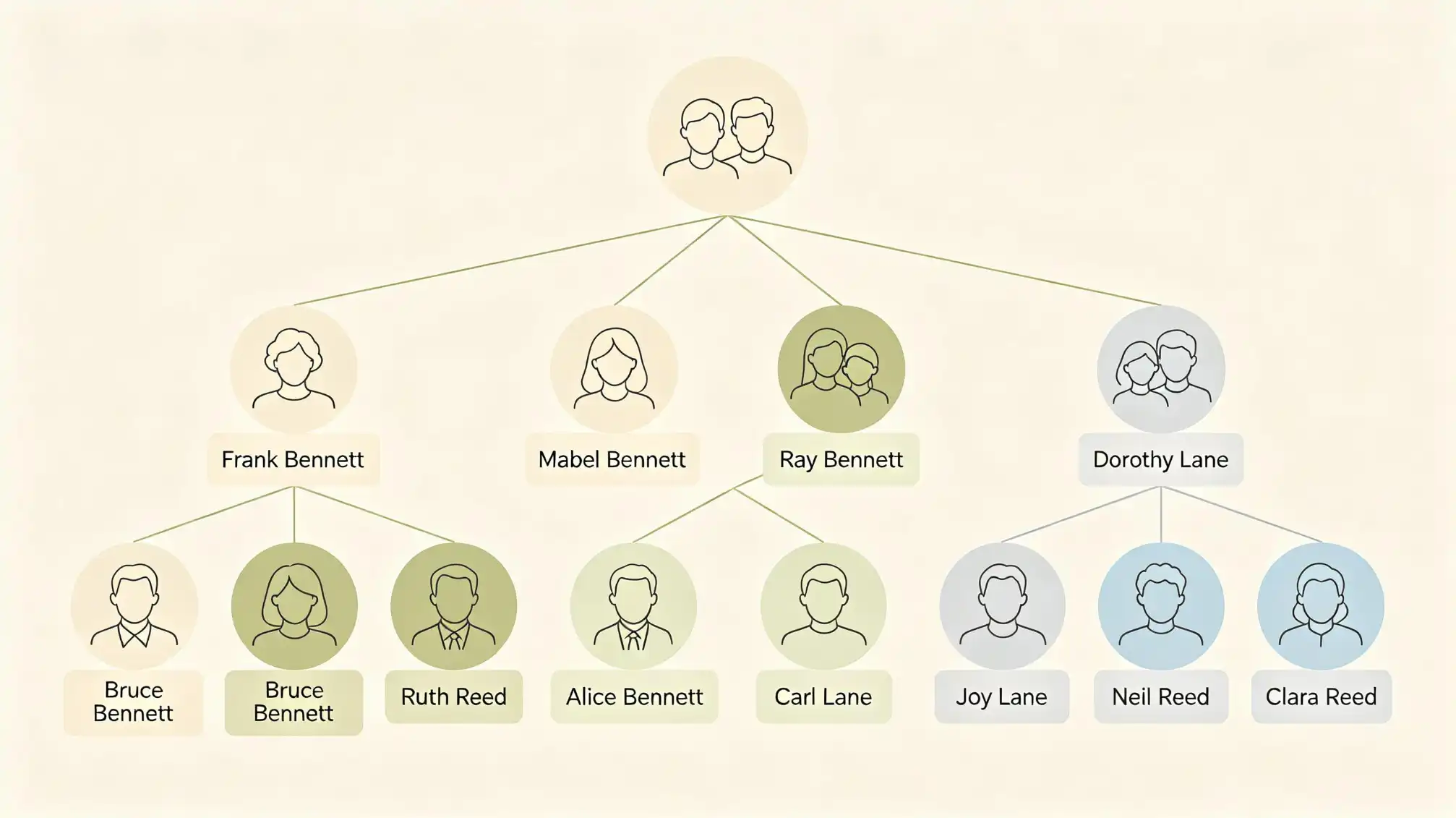
Keep each generation on a separate branch. If your template has four generations, fill only the first two at the beginning. This gives you room to check details as you go. You can always add more branches later, but it is much harder to untangle a branch that was entered in the wrong place. Leave blank boxes empty rather than guessing.
Choose the Right Format for Your Family Tree Template
Not all family tree templates are the same. Some are simple printable charts with five boxes. Others are complex spreadsheets with room for birth dates, marriage dates, and notes. Your choice depends on how much information you have and how you like to work. Many people print a free family tree template first, practice on paper, and then recreate the same outline digitally once they know the structure.
- Printable free family tree template – great for kids, classroom projects, or quick reference charts.
- Spreadsheet family history template – useful when you want to track multiple generations and sources.
- Poster-style template – perfect for presenting a completed tree at a family gathering.
- Digital family tree template – lets you add photos, edit easily, and share instantly.
If you are not sure which one to choose, start with the simplest free family tree template you can find. A basic chart helps you learn the rhythm of recording names and dates. Once you feel comfortable, move to a more detailed family history template that includes space for notes, locations, and sources.
How to Use a Family Tree Template Without Confusion
Here is a step-by-step process that makes the most of any family tree template. It works equally well for a simple printable chart and for a digital family history template.
Step 1: Decide Who Goes Where
Most templates place the father's side and mother's side on opposite sides, or show parents directly above children. Look for labels like 'great-grandmother' or 'aunt' to guide you. If your template has blank branches, use one color for your father's side and another for your mother's side. This is especially helpful when you have duplicate first names in the family.
Step 2: Use the Same Name Format
Write the full name, maiden name, and any nicknames in parentheses. For example: 'Margaret Eleanor Baker (Peggy).' Consistency makes it easier to search for records later. If a woman married more than once, add all married surnames in parentheses.
Step 3: Add Dates in a Standard Way
Use this order: date, month, year or year, month, day. Pick one and stick with it. The most common format for family history is day-month-year, like 14 March 1927. If a date is uncertain, write 'about 1927' rather than leaving the box empty. This tells future researchers that you have not yet confirmed the exact date.
Step 4: Leave Place Names Complete
Insteadof just 'Ireland' write 'County Cork, Ireland.' For US sources, include county and state. This helps you tell apart two relatives with the same name. A complete place is also essential when you decide to order birth certificates or visit an archive.
Step 5: Connect Your Facts
Use lines and connectors exactly as shown in the template. If a child was adopted, most family tree templates let you mark that relationship with a dotted line. Do not force a connection just because there is a spot for it. A clean, honest tree is more useful than a complete-looking one with unverified links.
Step 6: Keep a Source Note Close
Write a tiny abbreviation above each fact, such as 'C' for census or 'B' for birth certificate. If your template does not have a notes area, add a page number or a paper slip with the full citation. This habit will save you hours when you return to a half-finished family history template.
Turn a Family History Template Into a Research Tool
A family tree template is not only a way to display the names you know. It also shows you what you do not know. Blank spaces become a research checklist. When you look at a missing date or an unidentified parent, that is your next clue.
Use your family history template as a place to store short citations. Do not write everything in full; just enough to prove the fact. For example, '1920 census, Ward 5, Cleveland, Ohio.' This makes it easy to revisit records if someone questions a relationship. You can also use the notes area to list record numbers or archive references.
Avoid These Common Family Tree Template Mistakes
- Adding names before checking the spelling.
- Trusting online family trees without source evidence.
- Filling every blank box with a guess.
- Forgetting to save a backup copy.
- Using a new family tree template each time you research rather than updating the same one.
If you avoid these mistakes, your free family tree template will stay accurate and easy to update. Remember that a family tree is never truly finished; it grows as you learn more.
Share Your Family Tree Template With Relatives
One of the best ways to improve a free family tree template is to share it. Ask older relatives to review the chart. They will catch mistakes, fill in missing birthplaces, and often add stories that a simple template cannot hold. You can also invite every branch of the family to contribute their own names and details. If you want to manage this in one place, our family page at familylove.love/family is an easy way to coordinate updates and share your growing family history template with the people who matter most.
Print, Save, and Keep Your Family Tree Alive
Once your family tree template looks complete, save several copies. Keep one in a binder, one on your computer, and one in the cloud. Print a version for an elderly relative. A printed tree makes a meaningful gift and often sparks new memories. As you continue research, update your template instead of starting over. A family tree template is a living document, not a school assignment that ends when you finish.
Need a little more help? The Practical Steps below will get you moving.